




What is APS3e APK?
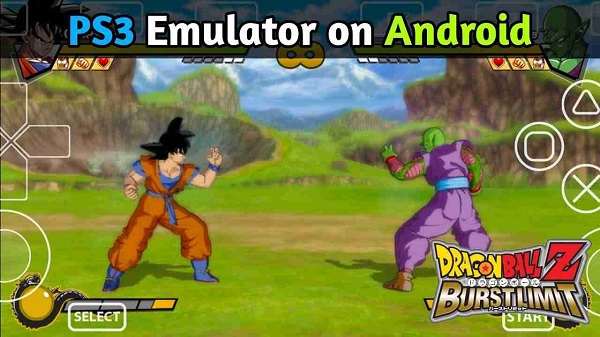
APS3e is a utility app designed specifically for Android users who want to emulate PlayStation 3 games on their phones or tablets. It functions as a native PS3 emulator that brings console-level gaming to mobile devices without needing a separate console or PC. Built from the RPCS3 emulator's source code, it’s optimized for Android architecture, letting users boot up PS3 game files directly on supported devices.
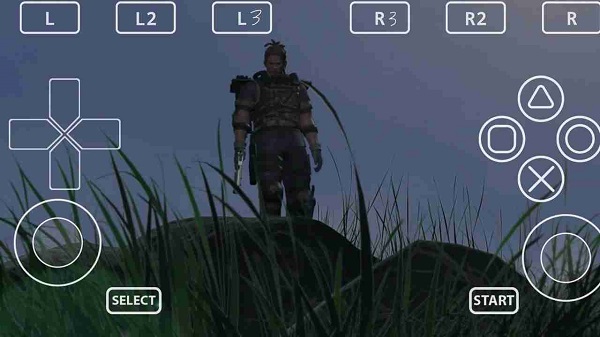
This app primarily allows gamers to play PS3 titles using ISO, PKG, or folder formats. Users can load their own game backups and configure settings for performance and compatibility. APS3e supports in-game saves, custom controller layouts, and offers Vulkan graphics acceleration for smoother visuals. It doesn't ship with any games, so players need to provide their own legal game files.
One standout feature is how customizable it is. Users can tweak individual game settings, pick between LLE or HLE simulation modes for libraries, and even select custom GPU drivers on compatible hardware. There’s also support for TalkBack accessibility and custom fonts. Everything is neatly arranged so each game gets its own config, keeping things clean and organized.
It’s not all perfect though. The emulator is still under active development, which means many titles might not run at full speed or could have bugs depending on your phone’s specs. Mid- to high-end devices with Android 10 or newer and Vulkan support are pretty much a must. Lower-end models might struggle with performance, especially in demanding games.
APS3e works best for users who are familiar with emulators and already have PS3 game backups. It’s especially useful for those who want a console-style experience on the go, without carrying around extra hardware. While it’s user-friendly enough for casual players, those with some technical knowledge will get the most out of it by customizing settings per title.
For anyone who loves the idea of running real PS3 games on Android and is okay with the occasional hiccup APS3e is a powerful tool that brings that possibility to life. As long as your device meets the hardware requirements and you're ready to tinker a little, it's a solid option to have in your emulation toolkit.
Table of Contents
=
Advertisement
FAQs APS3e
What is APS3e?
+
APS3e is a PlayStation 3 emulator built for Android devices, allowing users to play PS3 games using game files in PKG, ISO, or folder format.
Is APS3e available for free?
+
Yes, APS3e is completely free and open-source with no ads. A premium version is also available to support development.
What are the system requirements for APS3e?
+
APS3e requires Android 10 or higher, Vulkan graphics support, and a 64-bit ARM processor (arm64 architecture).
Can APS3e run all PS3 games?
+
No, since the app is still in development, some games may not run smoothly or may not work at all depending on your device.
How do I load games on APS3e?
+
You’ll need to legally dump your PS3 games and convert them to PKG or ISO format, then load them via the app’s interface.
Discover More Interesting Apps
-

Theick.io
v0.4.8
29 MB
Updated -
Mod
Remote Mouse Pro
v5.306
63 MB
Updated -
Mod
TLS Tunnel
v7.2.6
27.95 Mb
Updated -
Ace Stream
v3.2.19.5
107.59 Mb
Updated -
90 FPS
v11.4
16.02 Mb
Updated -
Mod
Medix
v1.4.0
69.80 Mb
Updated -
Mod
Multi App
v2.7.0
37.47 Mb
Updated -
Sophon
v1.0.54.1
65.80 Mb
Updated -
Mod
SWAP - No ROOT
vv4.8.8
8.41 Mb
Updated -
Ultimate USB
v10.1.1
71.06 Mb
Updated










Share Your Thoughts